Dear Customers!
Please be informed that due to scheduled maintenance works to be performed on 11 October 2026 from 03:00 to 04:15 Astana time, BCC Business app (web, mobile) will be unavailable.
We apologize for the temporary inconveniences.
Should you have any questions, please contact the Call Center.
605 – free to call from mobile phone
WhatsApp +7 (747) 1111-605
Dear Customers!
Please be informed that due to scheduled maintenance works to be performed on 30 September 2026 from 22:00 to 22:20 Astana time, BCC Business app (web, mobile) will be unavailable.
We apologize for the temporary inconveniences.
Should you have any questions, please contact the Call Center.
605 – free to call from mobile phone
WhatsApp +7 (747) 1111-605
Dear Customers!
Please be informed that due to scheduled maintenance works to be performed on 27 September 2026 from 03:00 to 04:00 Astana time, BCC Business app (web, mobile) will be unavailable.
We apologize for the temporary inconveniences.
Should you have any questions, please contact the Call Center.
605 – free to call from mobile phone
WhatsApp +7 (747) 1111-605
Dear Customers!
Please be informed that due to scheduled maintenance works to be performed on 06 September 2026 from 03:00 to 05:20 Astana time, BCC Business app (web, mobile) will be unavailable.
We apologize for the temporary inconveniences.
Should you have any questions, please contact the Call Center.
605 – free to call from mobile phone
WhatsApp +7 (747) 1111-605
Dear Customers!
Please be informed that due to scheduled maintenance works to be performed on 13 August 2026 from 22:00 to 22:30 Astana time, BCC Business app (web, mobile) will be unavailable.
We apologize for the temporary inconveniences.
Should you have any questions, please contact the Call Center.
605 – free to call from mobile phone
WhatsApp +7 (747) 1111-605
Effectiveness and promptness thanks to cutting-edge technologies
Access to various BCC Business versions
Provision of deposit-related services, such as opening and closing of deposit accounts
Nice adaptive cross-browser design for ease of operations
Opportunity to get mini account statements
SMS-notification and Email-notification services available 24/7
For ease of operations in the Internet Banking System, JSC Bank CenterCredit has expanded the system functionalities and improved its design. Now, users are able:
BCC Business version

BCC Business "Light" and BCC Business "Mobile" do not allow sending payments to the Bank, because an EDS has to be used in the system to send e-documents. Payments in KZT, applications for transactions in foreign currency can be sent to the Bank in the standard BCC Business version only with the use of BCC Business "Light" (lib.bcc.kz) is a light version of the Internet Banking System that does not require an EDS and provides bank services with the use of dynamic identification means (ОТР-card, ОТР-token). BCC Business "Light" and BCC Business Standard have absolutely identical interfaces.

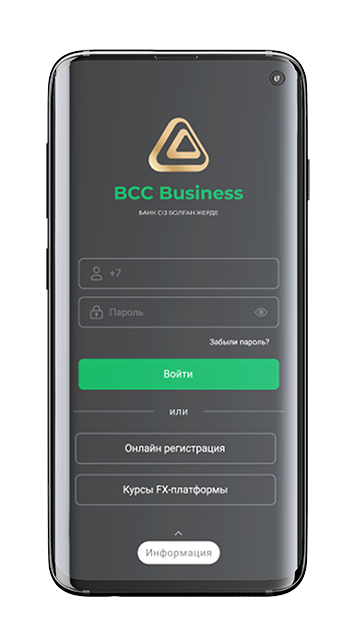
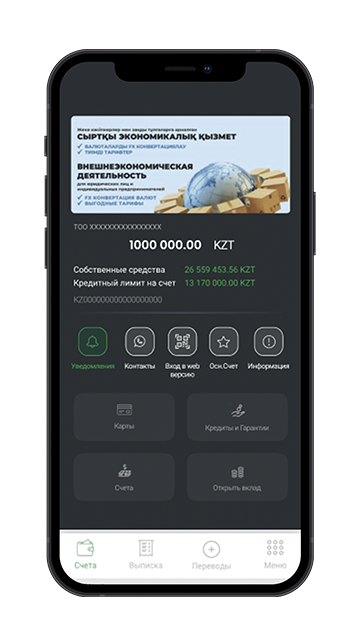
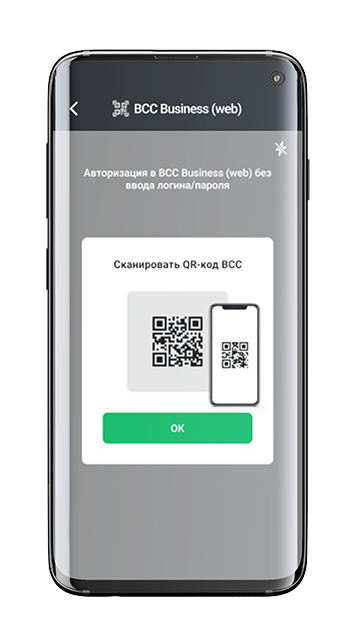
BCC Business mobile app – is a mobile version of the BCC Business web enabling a user to control accounts connected to the system through any mobile device (smartphone, tablet);
Download for your mobile devices